RFID & NFC
Why Won’t a UHF RFID Tag Read on Metal?
A UHF RFID tag that reads on a desk may become unreliable when attached to metal because the mounting surface changes its radio performance. Start by checking whether the tag is designed for that surface and installed as its manufacturer specifies. Then separate a radio-reading problem from a software-record problem before replacing the reader or ordering more tags.
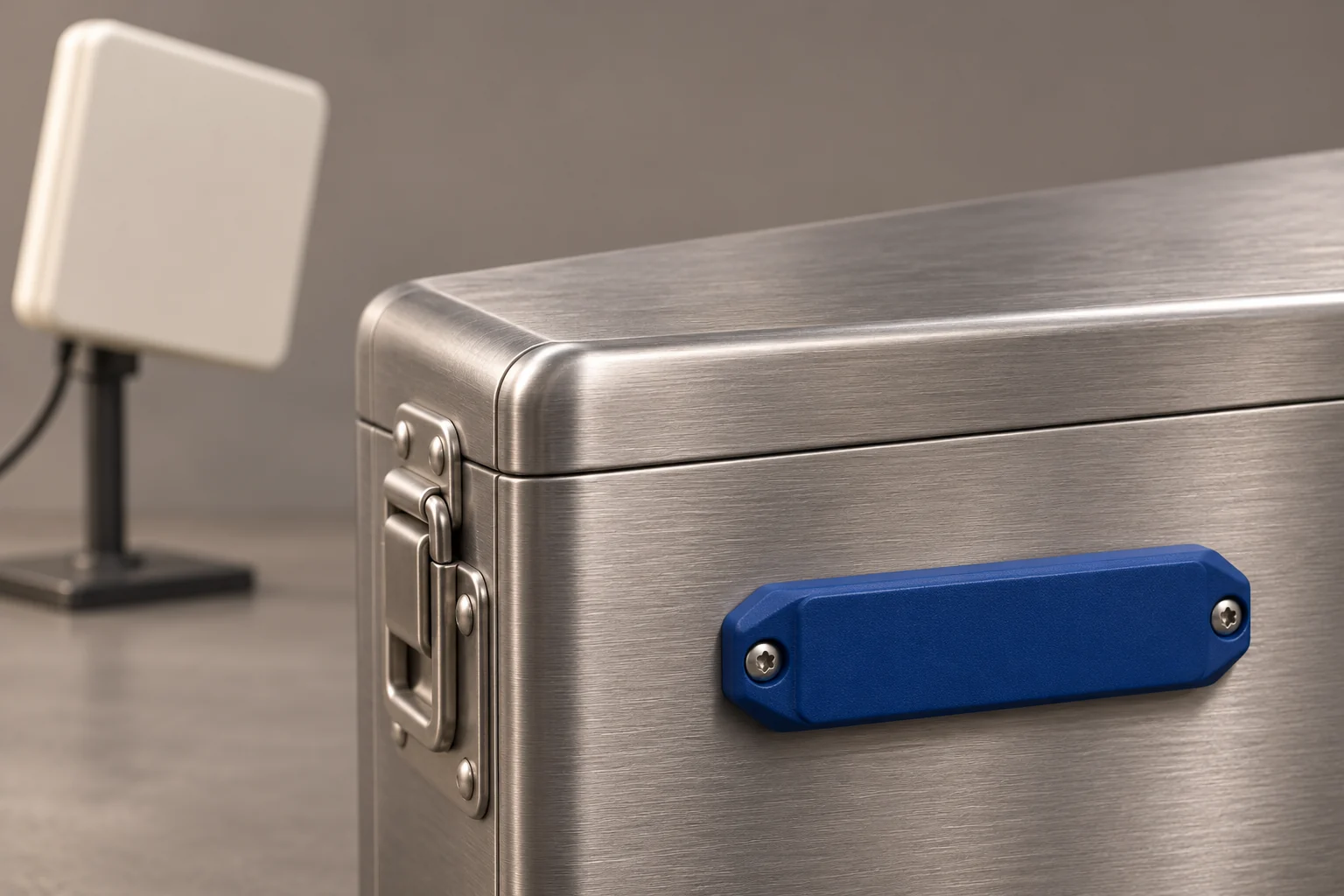
Section 01
Confirm which part of the system is failing
Look for the tag identifier in the reader’s own diagnostic output, where available. If the reader reports it but the business application does not show the asset, investigate the identifier mapping, filters and integration. Changing the tag’s mounting cannot repair an incorrect asset record.
If the identifier is absent from the reader output, verify the exact tag model and compatible reader configuration. Check a known working tag of the same supported type. Record what changed since the last successful test: the surface, mounting position, reader setup or application settings. Treat these as troubleshooting questions, not a diagnosis made from one missed read.
Section 02
Why an ordinary label can struggle on metal
SICK explains that a standard tag can lose sensitivity on metal and that on-metal tags are specifically designed for that mounting. A general-purpose adhesive label and an on-metal tag are therefore not automatically interchangeable.
Choose by the specific tag’s application guidance, not its appearance or the word “rugged.” A durable housing does not by itself establish suitability for your mounting surface. Ask whether the chosen part is intended for direct metal mounting and what installation conditions the manufacturer requires.
Section 03
Read the mounting requirements before buying
Murata’s metal-management product page illustrates the distinction: it identifies a UHF on-metal part, its supported RFID standard and a reference read range for use on metal. That product reference does not establish the range of your finished installation; request the relevant test conditions when comparing specifications.
For a purchase decision, request the current datasheet and mounting guide for the exact part. Check dimensions, permitted fixation and the equipment it must work with. Confirm that the proposed position leaves normal opening, grip, inspection and servicing unobstructed. Test a sample on the actual item before placing a larger order.
Section 04
Compare placements without changing everything
SICK identifies tag and reader alignment and surrounding materials as factors in achievable read range, and recommends testing the combination in its application. A useful comparison therefore changes one documented variable at a time.
Choose two positions permitted by the tag manufacturer. Keep the reader, settings and test distance unchanged while comparing them. Next, test normal object orientations with the selected position. Use the intended metal item and its usual storage arrangement, including nearby items. A tag designed to use metal as part of its operating environment should not be rejected solely because an unsupported off-metal test performs poorly.
Keep all reader settings within the equipment’s approved operating configuration. Record a placement change separately from a reader adjustment so the result remains interpretable.
Section 05
A short record for each comparison
Use this proposed worksheet to make a sample test repeatable. It records a mounting decision, rather than claiming that a complete inventory system has passed acceptance.
- Exact tag part and identifier, object material and mounting location.
- Fixation method and any manufacturer-required mounting conditions.
- Reader and antenna model, configuration and test distance.
- Object orientation, nearby objects and storage arrangement.
- Expected identifier, whether it appeared in the reader output and whether it reached the application.
- Number of separate attempts, missed attempts and unexpected identifiers.
- Change made, observed result and the next condition to test.
Section 06
Interpret a successful scan cautiously
In a hypothetical comparison, a tag responds in 18 of 20 separate attempts at one position: 18 divided by 20 equals 90%, with two missed attempts. That is a description of this small test, not a forecast for a workshop, a product specification or an acceptable threshold for every workflow.
Define an attempt before testing, such as presenting the same tagged item in the documented position and checking for its identifier during a fixed interval. Multiple messages from one presentation do not count as multiple successful attempts. Investigate the misses instead of hiding them inside the total message count.
Also separate “tag detected” from “asset correctly processed.” The application must associate the observed identifier with the intended item and apply the business rules for the task.
Section 07
Turn the result into a practical next step
Keep the candidate mounting only if it meets the criteria agreed for the intended task. If the result remains inconsistent, document the failing conditions and evaluate another supported tag or position. A deliberate barcode scan or another workflow may be worth assessing when the RFID arrangement cannot meet the requirement.
Carras Technologies can assess RFID/NFC identification workflows, reader integration and asset records. Share the object material, candidate tag, reader, mounting photographs and a short test log. Those details help define an evaluation scope; this guide and its conceptual image do not represent a completed CARRAS installation.