Identification & Traceability
What Should a Business NFC Tag Store?
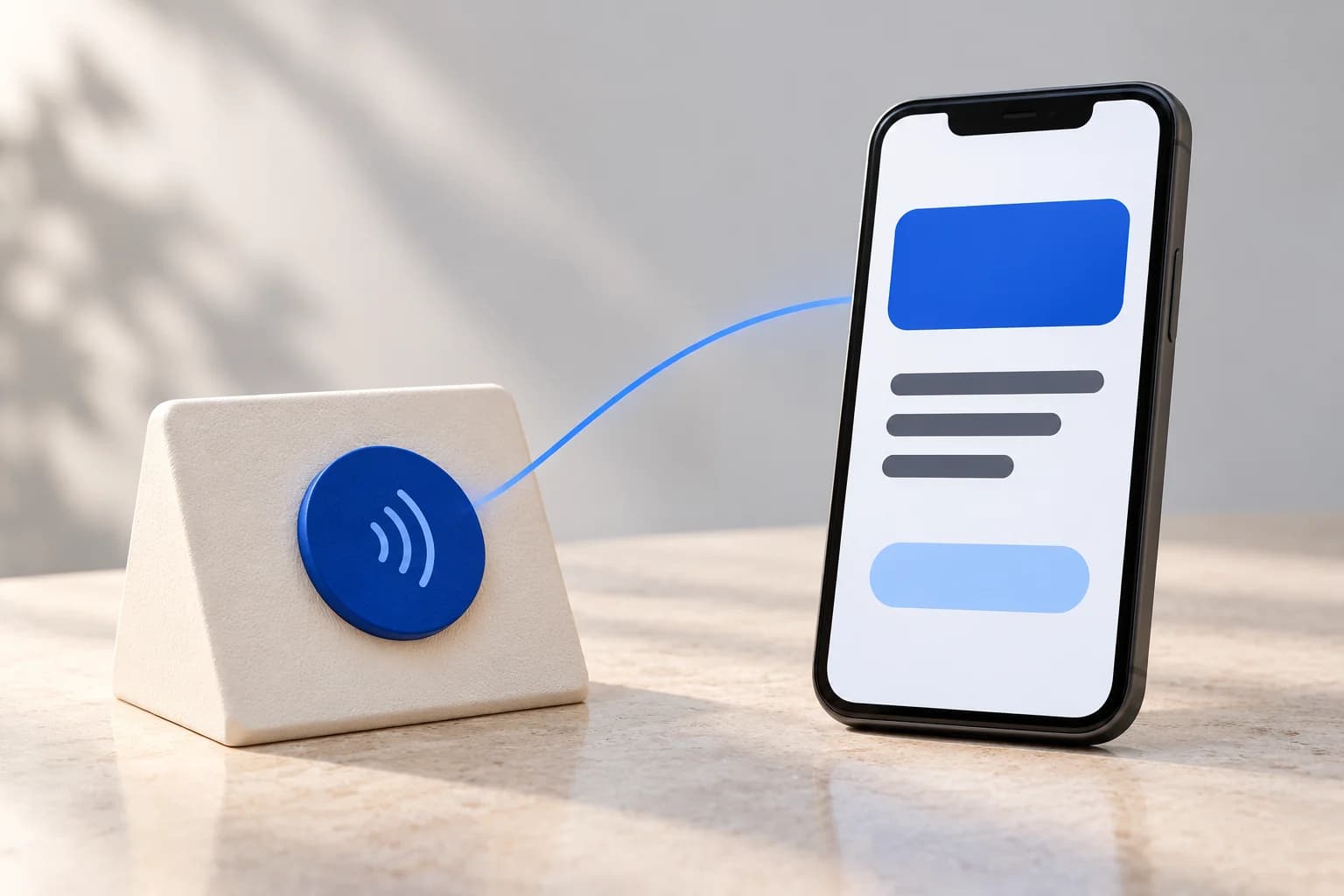
For a business profile, instruction page or request form, a useful starting point is a short web address on the NFC tag and the changing content on a website you control. Before writing tags, decide what visitors should see, what must stay private and who will maintain the destination.
Section 01
Start with the action, not the available memory
Write one sentence describing the intended interaction: a visitor taps a counter sign to open a service page, or an employee taps an equipment label to find instructions. Specify the audience and the next step. A public information page and an internal maintenance record need different access rules.
List the minimum information needed to complete that action. For a simple link experience, the tag does not need a customer's name, appointment details or a copy of the company's records. Keep the brief focused on the task instead of filling the tag because space is available.
Section 02
Use a link when the content belongs on the web
Android's official NFC documentation describes NDEF, a data format for NFC messages, and shows how to encode an HTTPS address as a URI record. That supports a straightforward design: store the link on a compatible tag and maintain the page separately.
Choose an address under a domain the business controls, with a clear owner for renewals and hosting. Prefer a short, stable path that is easy to document. Confirm the encoded record fits the selected tag and works with the intended phones; the format alone does not establish compatibility with every device.
Section 03
Treat the link as public, even when the page is private
For this ordinary link-tag design, assume someone can read and share the URL. Do not put passwords, API keys or links that grant access by themselves on the tag. A hard-to-guess address should not be the only protection for a private record.
OWASP recommends checking permissions on every request. Apply that principle at the destination: an internal record needs appropriate authentication and authorization, including when someone opens its link directly. Signing in does not automatically entitle every employee to see every record. Decide who may view or change information before designing the page.
Section 04
Separate page updates from tag replacement
Consider a hypothetical reception sign linking to a service information page. If the opening hours change, updating that same page can leave the tag untouched. If the encoded address changes, the old link needs a working redirect or the tag needs updating, where rewriting is supported.
Write down who manages that stable address and what happens if the website platform changes. If you choose a link-management provider, check ownership, ongoing cost and what happens when the subscription ends. Do not assume that buying an NFC tag includes a managed destination or indefinite hosting.
Section 05
Decide about write protection after the pilot
Preventing later edits to the tag is a separate decision from controlling access to its website. Android documents making a supported NDEF tag read-only as an irreversible operation; it can also fail or be unsupported. Verify the selected tag and writing tool before committing a batch.
Locking the tag does not make the destination confidential. First test a sample, confirm the final address and retain a record of what was written. Only then decide whether permanent write protection suits that deployment.
Section 06
Run a small acceptance checklist
Use test information and representative phones before distributing tags. Record the result of each check and assign someone to resolve exceptions.
- Read back the stored address and open it; confirm the exact domain and intended page.
- Try the actual tag on its intended surface with the phones your audience uses.
- Open a restricted link while signed out and with a user who should lack access.
- Check that a public page contains only information approved for public viewing.
- Update the destination content and confirm an existing tag still reaches the correct page.
- Test without internet access. Provide printed essential instructions and a web address visitors can use when connectivity returns.
- Document who can change the destination, renew the domain and replace a damaged tag.
- If using permanent write protection, verify it on a sample before processing the remaining tags.
Section 07
Bring the workflow and the destination to the project brief
Send Carras Technologies the intended action, audience, sample location, expected devices and existing website or application. Identify any information that must remain restricted and the person responsible for future updates.
Our RFID and NFC services can assess the tag, web destination and integration together. A public profile or instruction page may need a simple setup; an internal workflow needs its own permissions and operating rules. The scope should establish those requirements before tags are produced or distributed.