Sensors & Connected Devices
ESP32 Temperature Monitoring: What to Define First
A useful monitor must explain where the reading came from, when it was taken and what happens when it is unavailable. Those decisions matter before choosing a board.
Section 01
Define the measurement location
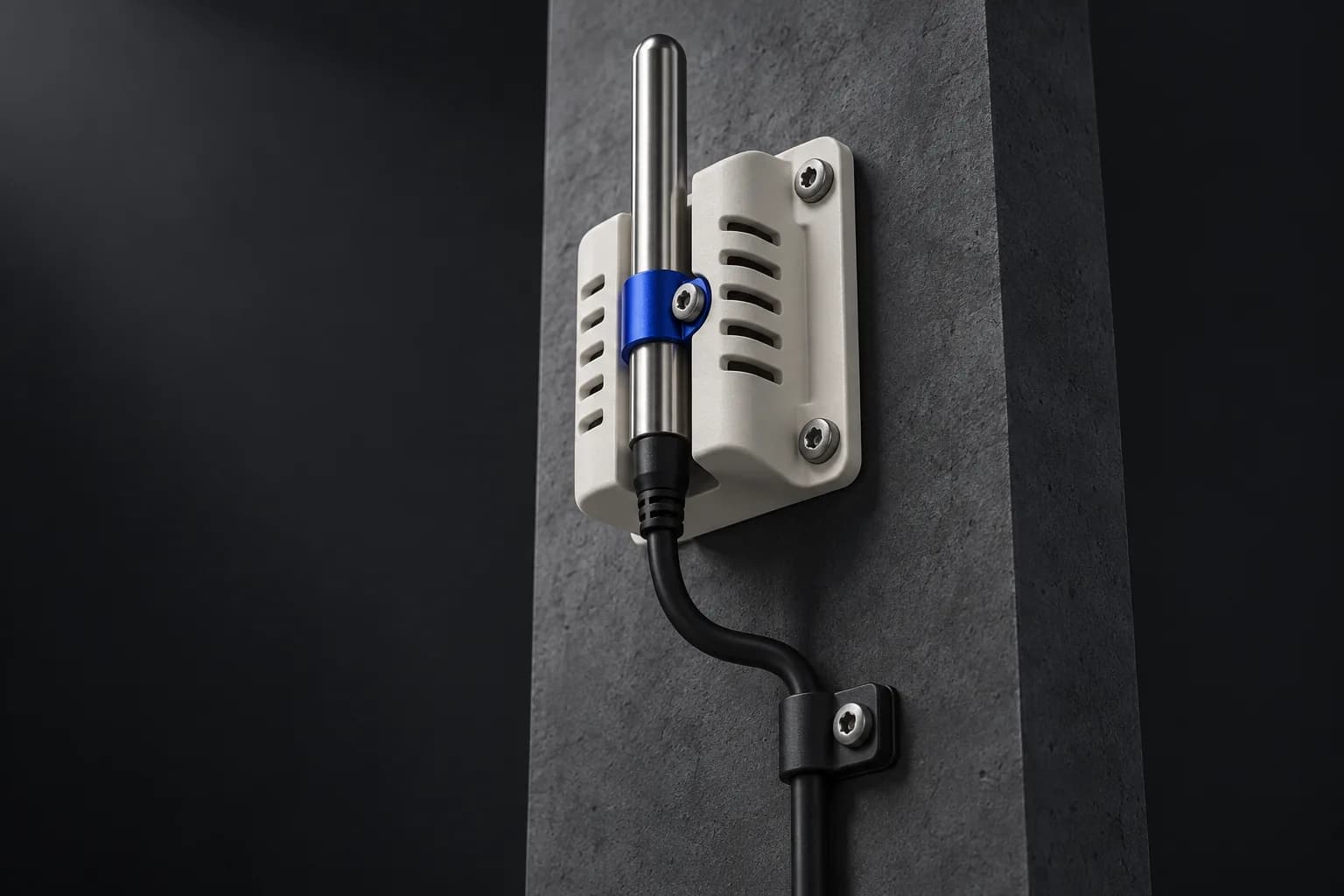
Start with what you need to measure: room air, a surface, liquid or the inside of a piece of equipment. Those are different physical measurements. State the operating range, the useful accuracy and how quickly a meaningful change must be detected. Choose the sensor and its mounting for that task.
Do not assume a microcontroller’s internal temperature value represents room temperature. Espressif specifically describes the ESP32-S2 internal sensor as measuring the chip itself. A monitoring design must use a measurement method appropriate to the actual target.
Section 02
Distinguish sampling from reporting
Sampling is when a measurement is taken; reporting is when a device sends it to the application. A device may sample more often than it reports, but the project must specify what is stored and what can be lost. Display the measurement time, not just the time a message reached the server.
For a proposed room-monitoring pilot, record sensor location and compare readings with a suitable reference under representative conditions. This is a planning example, not a claim of calibration or certification for a CARRAS product.
Section 03
Plan power and connectivity together
Espressif documents sleep modes for reducing power use, including periodic wake-up and sensor reporting. That creates a design tradeoff: a sleeping or disconnected device cannot be assumed to respond continuously. Measure the complete board, sensor and power supply rather than relying on a chip-only specification.
Check connectivity at the intended mounting position. Document network ownership, credentials, restart behavior and what happens after an outage. Decide whether local buffering is required and how queued measurements are distinguished from current readings.
Section 04
Make a missing reading visible
A dashboard should distinguish normal, outside the agreed range and unknown. A previously normal value must not remain visually current after communication stops. Define a freshness limit and show the last successful reading and last contact time.
Decide what happens when the sensor is disconnected, returns an invalid value or appears stuck. Keep those equipment conditions separate from a genuine temperature alarm. Otherwise, a sensor fault can trigger the wrong operational response.
Section 05
Design an alert with an owner
For each alert, name the recipient, the reason and the action. Decide whether a brief threshold crossing should trigger a notification or require a sustained condition. Where appropriate, use separate trigger and reset conditions to reduce repeated alerts near a boundary.
Test the whole chain: a known change, device reading, transmission, server rule, delivered notification and acknowledgment. A successful dashboard update does not prove that an alert reached the responsible person.
- Target, units, operating range and required accuracy.
- Mounting location, power source and network owner.
- Sampling interval, reporting interval and freshness limit.
- Threshold, delay, reset condition and responsible recipient.
- Offline behavior, maintenance access and update procedure.
- Reference comparison and acceptance test record.
Section 06
Set the scope of the first project
Begin with a limited number of representative locations and document the failures as carefully as successful readings. Review maintenance effort, false alerts, missing data and how people actually respond before expanding.
CARRAS can assess sensor selection, firmware, enclosure and dashboard requirements together. Monitoring prototypes should not be treated as certified safety controls or qualified for regulated uses without the separate engineering and validation those applications require.